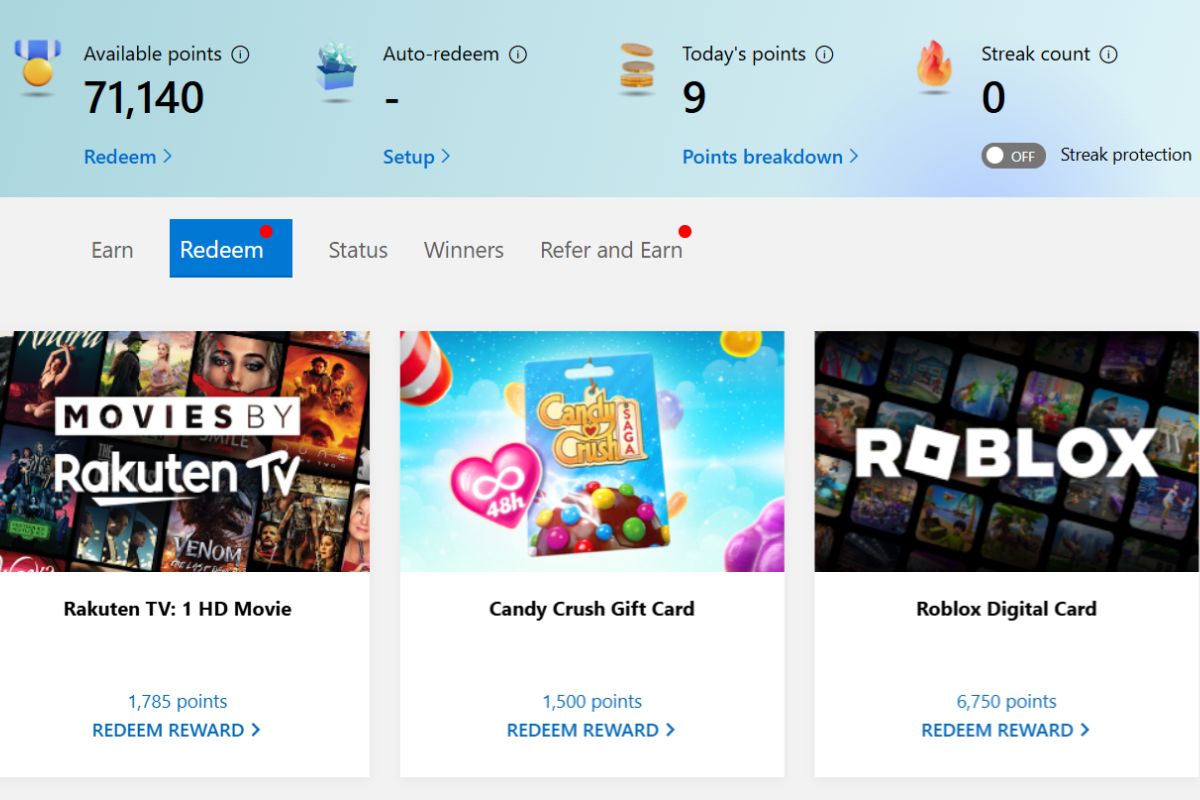
I’d forgotten about Microsoft Rewards until my daughter pointed out that, I had over 70,000 points, which is worth around £40. If you’ve got a Microsoft account and haven’t looked at this for a while it’s worth checking, because the points can mount up without much effort.
Microsoft Rewards is a free programme that lets you earn points for everyday online activity and redeem them for gift cards, sweepstakes entries, or even donations. It works with your Microsoft account and you can use it on Windows PCs, mobile or Xbox.
How You Earn Points
There are several ways to earn in Microsoft Rewards:
Search with Bing
You earn points simply by searching with Bing when you’re signed in with your Microsoft account. The exact number of points per search varies by region, but generally, you get points for each Bing search up to a daily cap.
Daily Sets, Quizzes and Offers
Log into the Rewards dashboard each day and you’ll usually see a set of tasks like quizzes, polls and short activities. These give bonus points when completed.
Shopping through Microsoft Store
If you buy apps, games or hardware from the Microsoft Store while signed in, you earn points for every pound you spend. The points rate depends on your level in the programme.
Windows Search and Edge Browser
You can also earn points by using the Windows Search box and by using Bing in Microsoft Edge. Points for these will show up on your Rewards dashboard.
Everything you’ve earned is shown on the Rewards page so you can track how close you are to a gift card or other reward.
Redeeming Your Points
Once you have enough points, you can redeem them for rewards that are available in your region. Typical options include:
- Gift cards for the Microsoft Store, Xbox, Amazon, Argos and other popular brands (availability varies by country)
- Entries into sweepstakes for bigger prizes
- Subscriptions like Xbox Game Pass or other services
- Donations to charities you care about
To redeem, just browse the “Redeem” section on the Rewards page, choose what you want and follow the on-screen steps. Points usually expire if you don’t earn or spend anything for a period of time, so keep an eye on them.
Referral Program
Microsoft also has a referral option in Rewards. You get a unique referral link from your Rewards dashboard that you can share with friends who are new to Microsoft Rewards. When they join through your link and start earning points, you can earn bonus points too.
The referral bonus changes from time to time and may depend on offers running at the time. The more your friends use Bing, the more you’ll earn! At the time of writing this, they get up to 1,300 bonus points after a Welcome Quest.
Referral points are awarded when the person you’ve referred earns their first points. You can usually refer up to a set number of new members, but the exact limits can vary and may be stricter in some regions.
Making the Most of It
Microsoft Rewards is free and easy to overlook, but the points do build up if you stay consistent. If you already use Bing, shop at the Microsoft Store or have an Xbox, it makes sense to collect the points rather than ignore them. Rewards and point values can vary by region, and offers change throughout the year, so it is worth logging in regularly to see what is available and decide when to redeem. Even if it only covers a small treat or a discount on something you were going to buy anyway, it is better than leaving the points unused.
Join here and start earning rewards today!